

How to register my SiDiary Online with my transaction number?
If you don't have an account at SiDiary-Online you can register now.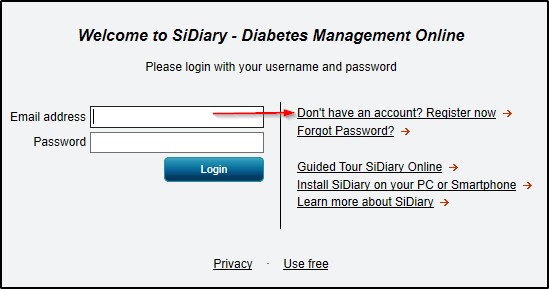
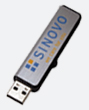
If you have purchased a SiDiary USB stick, you can find the transaction number by starting SiDiary on the stick and then switch into the menu 'Help -> Register'.
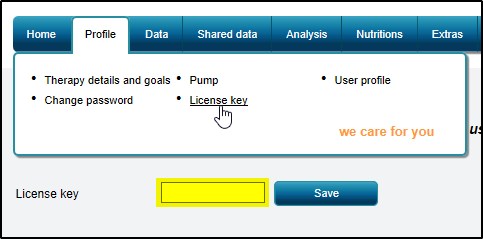
Enter your transaction number in SiDiary Online -> Profile -> License key:
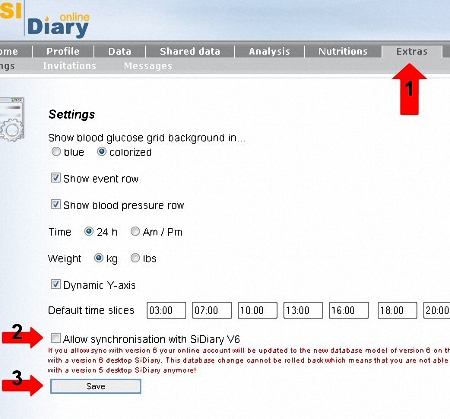
If you have registered at SiDiary-Online for the first time before 1st of July 2009 you can switch your SiDiary-Online to allow the synchronization with Version 6. Please read the article How to transfer my data properly from V5 into V6?
If you encounter any problems with it, please don't hesitate to contact us at support.sidiary@sinovo.de. We will be glad to help you!